VIII. Tab Stops (12%)
- Turn on a ruler from View tab.
- Set a right tab stop (marker) at 1 1/2" location.
- Set a left tab stop (marker) at 2 1/2" location.
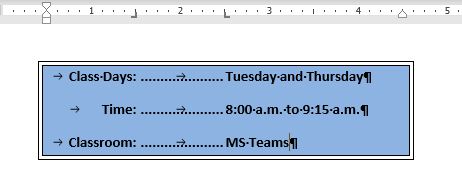
- Type information shown below.
- Fill in dots between two tab stops.
- Apply a border with background color.